
We mill wheat to a specification , not to an average.
A fully automatic 450 TPD mill producing maida, chakki atta, suji and bran for biscuit, bakery, noodle and snack manufacturers across North India. Every dispatch ships against a lot-specific certificate of analysis.
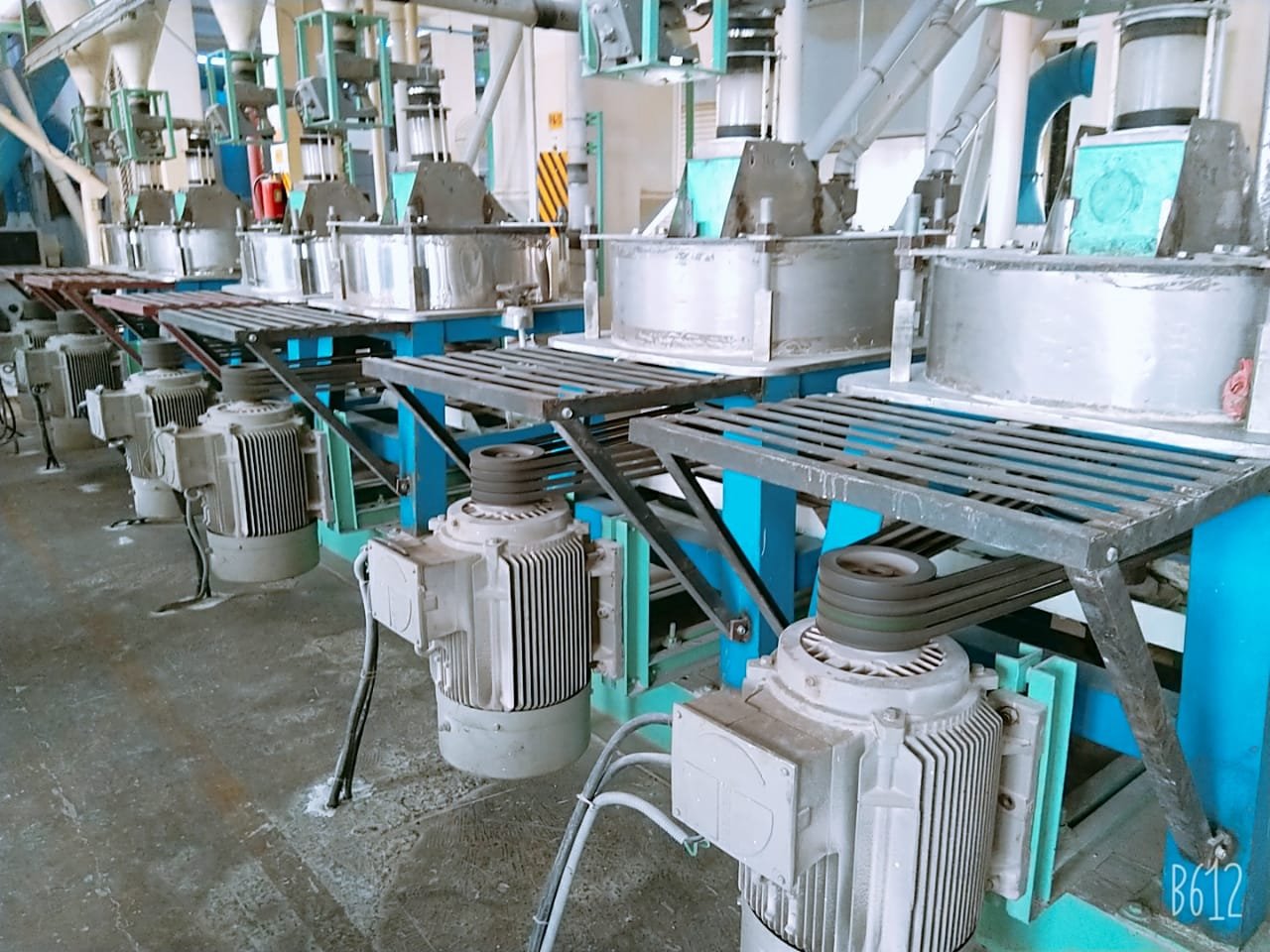
Six grades. Written specifications.
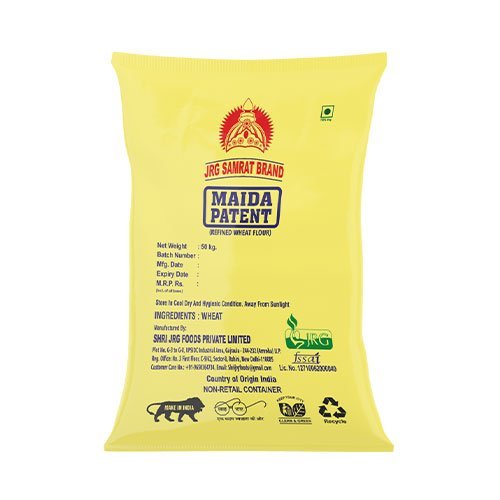
Milled to consistent tolerances and packed in retail 5/10 kg, institutional 50 kg or bulk tanker. Custom protein, ash and granulation profiles are available against a contract volume.
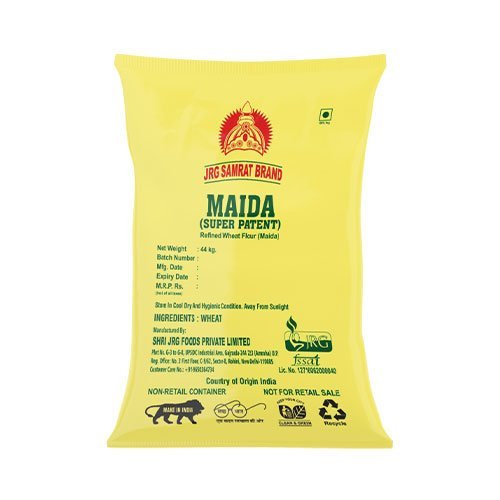
JRG Samrat Super Patent Maida
Drawn from the innermost endosperm. Fine, bright white refined wheat flour engineered for deep-fried traditional snacks and short-dough biscuit lines where colour and consistency matter most.
| Protein | 8.5 – 9.5% |
| Ash (db) | ≤ 0.48% |
| Moisture | ≤ 13.5% |
| Wet gluten | 26 – 28% |
| Granulation | 100% thru 150µ |
| Packing | 44 kg · bulk |
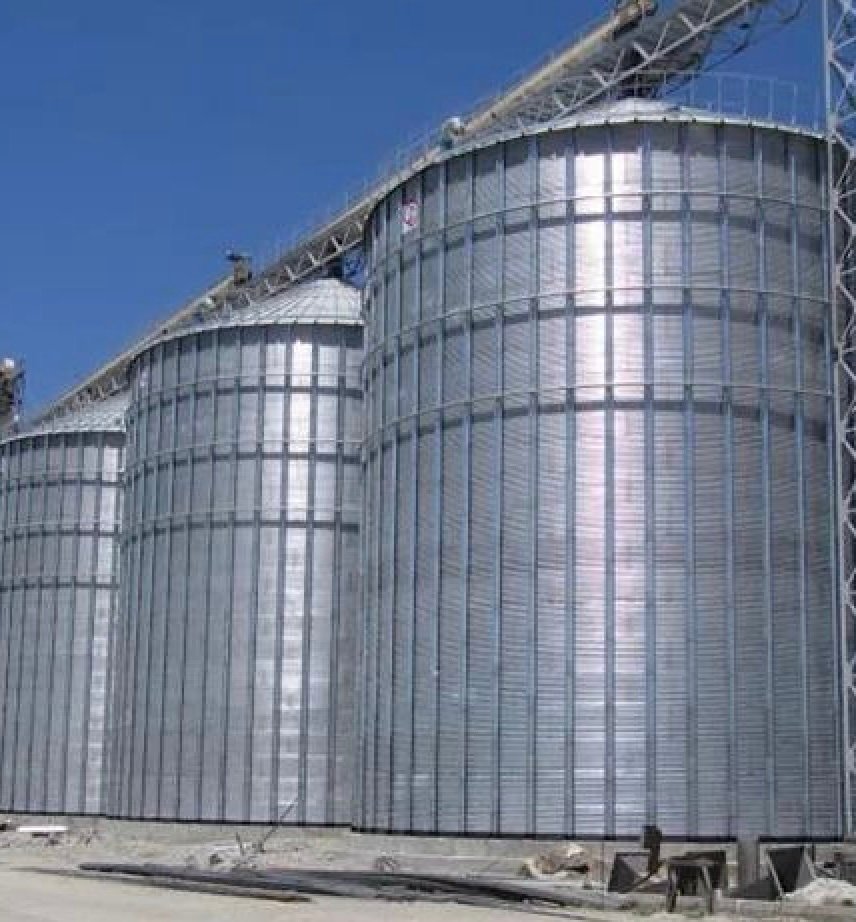
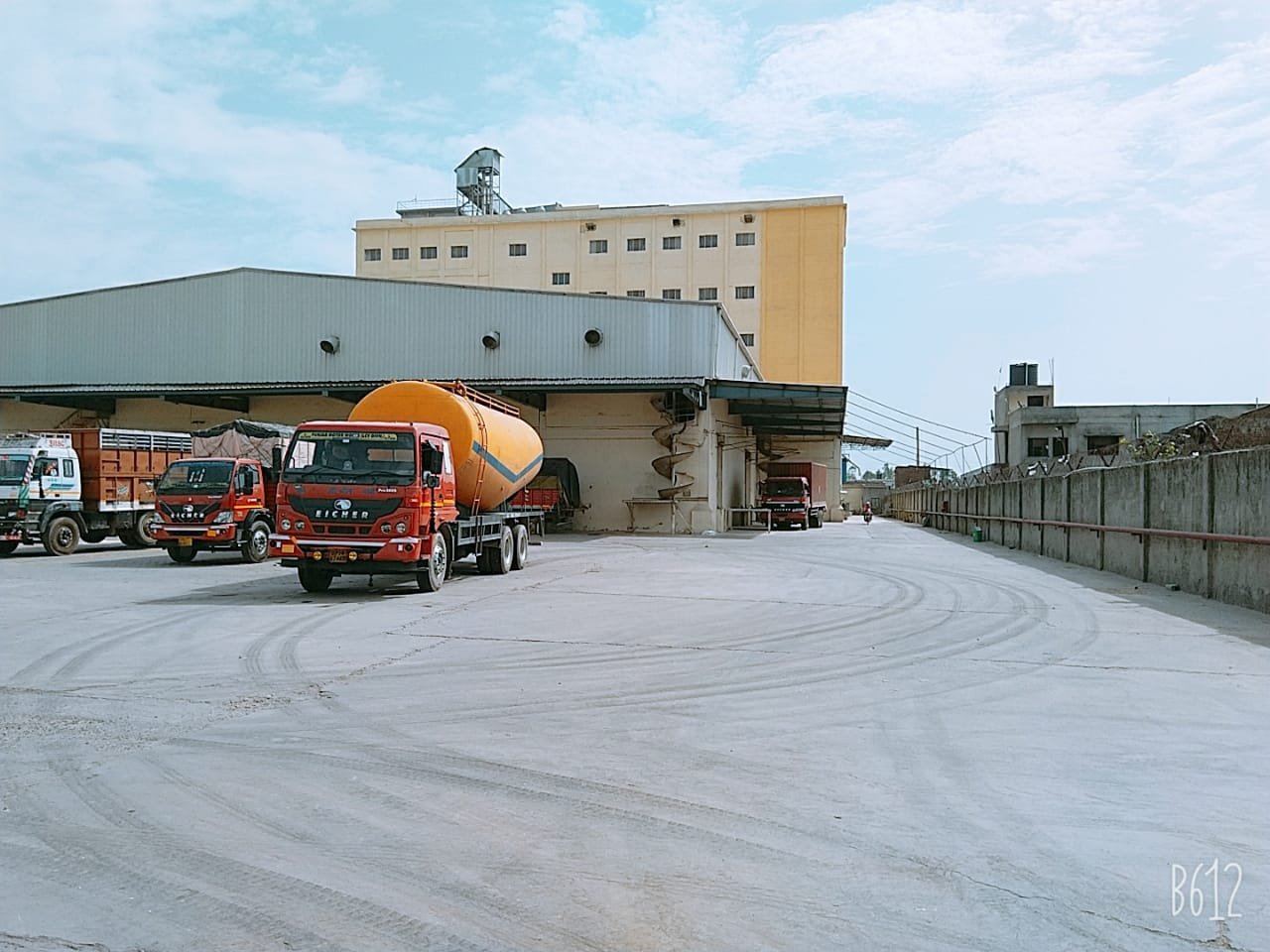
Grain that arrives in trucks, stored in steel.
Bulk wheat is offloaded straight from truck to storage silos on the Gajraula site, feeding the cleaning house and mill on a continuous flow. Nothing sits on the floor, nothing is exposed longer than it needs to be.
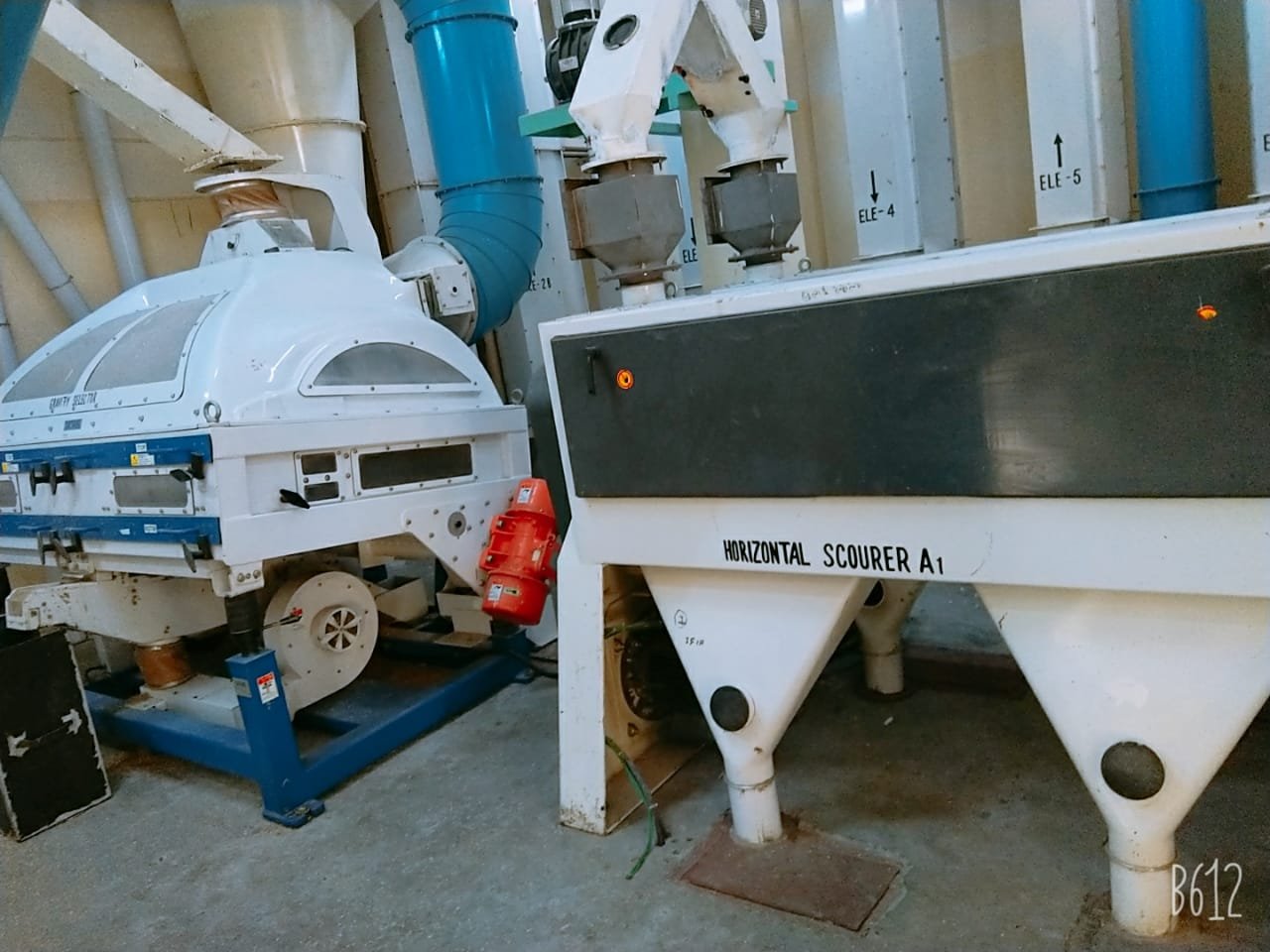
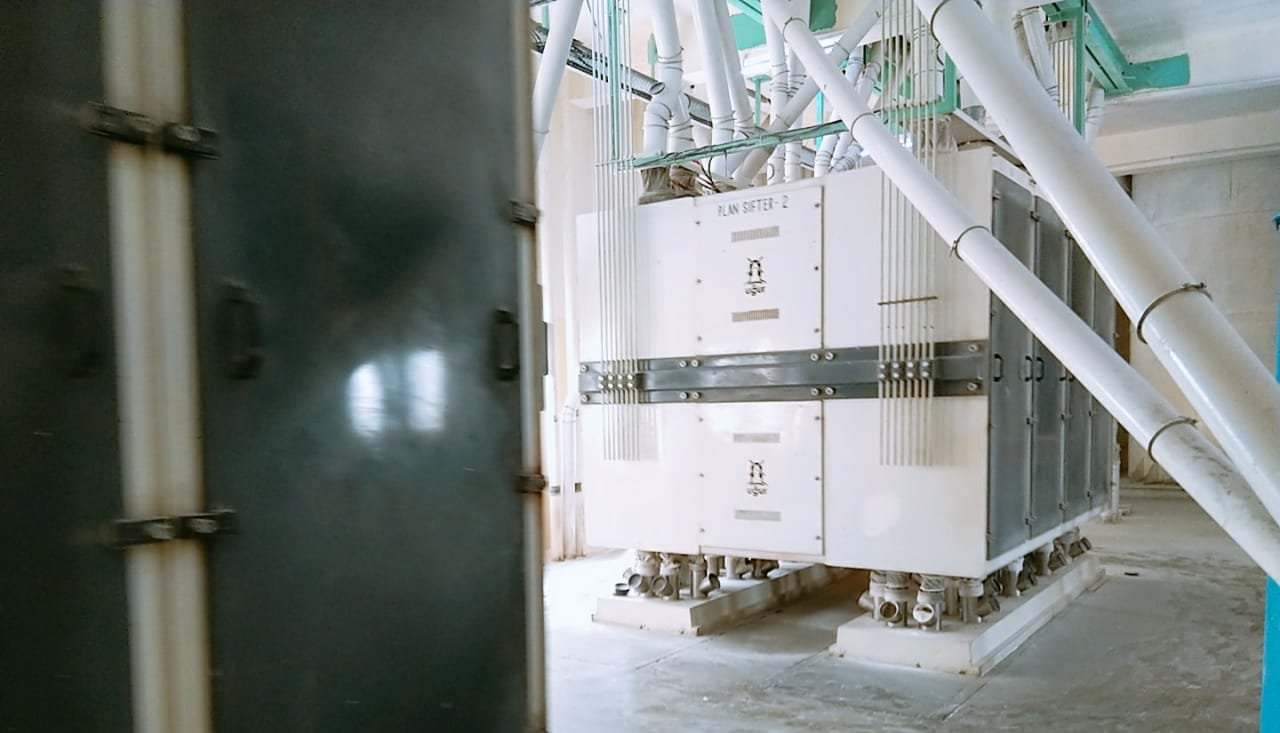
Wheat in one end. Four graded fractions out the other.
Cleaning, tempering, four break passages and eight reduction passages, controlled from a single SCADA desk. What separates one mill from another is how tightly each of those steps is held.
Intake & Sampling
Every truck sampled at the gate; wheat moisture, TKW and impurity checked before offloading to silos.
Cleaning
Magnetic separation, destoners, indented cylinders and scourers strip foreign matter down to spec.
Tempering
Water added, wheat rested 18–24 hrs so the endosperm releases cleanly from the bran layers.
Break Passages
Four break rolls open the kernel; semolina and coarse fractions routed to purifiers.
Reduction
Eight reduction passages progressively refine the endosperm into flour of controlled granulation.
Blending & Pack
Blended to spec, sifted, then bagged in 25/50 kg or loaded direct to bulk tanker from silo.
Walk the mill, frame by frame.
Six lines. One consistent flour.
Most mills sell you flour. We can tell you how it will behave on your line — because that is the specification we milled it to.
Biscuit Manufacturers
Short-dough & cracker lines
Bakery & Bread
Industrial + artisan bakeries
Noodle & Pasta
Falling-number controlled
Snacks & Namkeen
Fried, extruded, sheeted
Rusk & Toast
High water absorption grades
HoReCa & QSR
Consistent bulk delivery
Most mills sell you flour.
We can tell you how it will behave.
Specification first
We commit to a protein, ash and rheology band — then hold it, batch after batch.
Lot-specific COA
Certificate of analysis on every dispatch. No averages. No surprises at your intake.
SCADA controlled
Cleaning, milling, packing and loading run from one console. Full traceability.
Bulk tanker ready
Direct silo-to-tanker loading — flour reaches your line without ever being bagged.
Every lot. Tested before it leaves the gate.
A specification agreed at trial stage is only worth something if the mill can hold it at scale — and prove it, batch after batch.
Commissioned 2016. Automated end to end.
From a 300 TPD maida line at commissioning to a full 450 TPD platform today — every step certified against international food-safety standards.
Milling that respects the grain and the grid.
From closed-loop water systems to full monetisation of bran and germ streams — nothing leaves the mill by accident.
Closed-loop water
Chiller and boiler condensate recovered — nothing sent to drain.
Variable-speed drives
On all major motors; power draw modulated with load.
Zero bran waste
Bran, germ and shorts sold into feed and nutraceutical channels.
Four ways to buy from the mill.
Contract Supply
Annual or quarterly volume contracts with agreed specification bands and transparent pricing. Bulk tanker or bagged truckload across Delhi NCR, western UP and Uttarakhand.
EnquireMade-to-Spec Milling
Wheat selection, blending and mill-flow adjustment to hit a target protein, ash and rheology profile. Trial lots run before commitment.
EnquirePrivate Label & Co-packing
Consumer packs from 1 kg to 10 kg under your brand, from a food-safety-certified facility. Artwork and shelf-life validation handled at our end.
EnquireDistributor Appointment
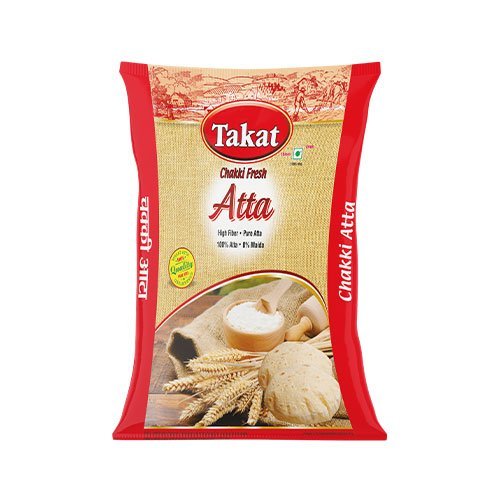
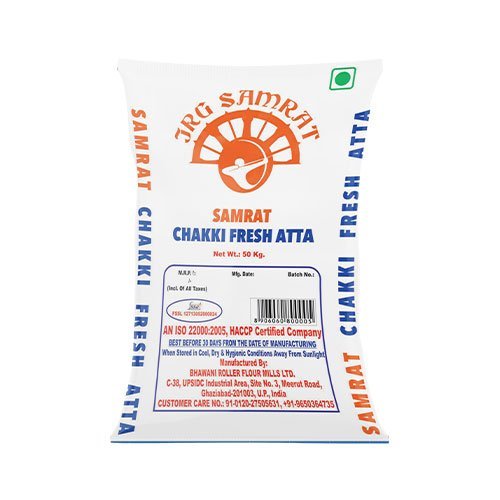
Territory-wise distribution of the Takat and Samrat ranges. Open districts across western UP, Uttarakhand and the NCR belt.
Enquire“The specification they trial to is the specification we get, delivery after delivery. That’s not normal for this industry.”
Tell us what you run. We’ll send a sample.
Every enquiry gets a spec sheet, the current COA and a 2 kg trial sample couriered — within one working day.
Request received.
Thanks — we have it. Someone from the mill will come back to you within one working day with a spec sheet, the current COA and sample despatch details.